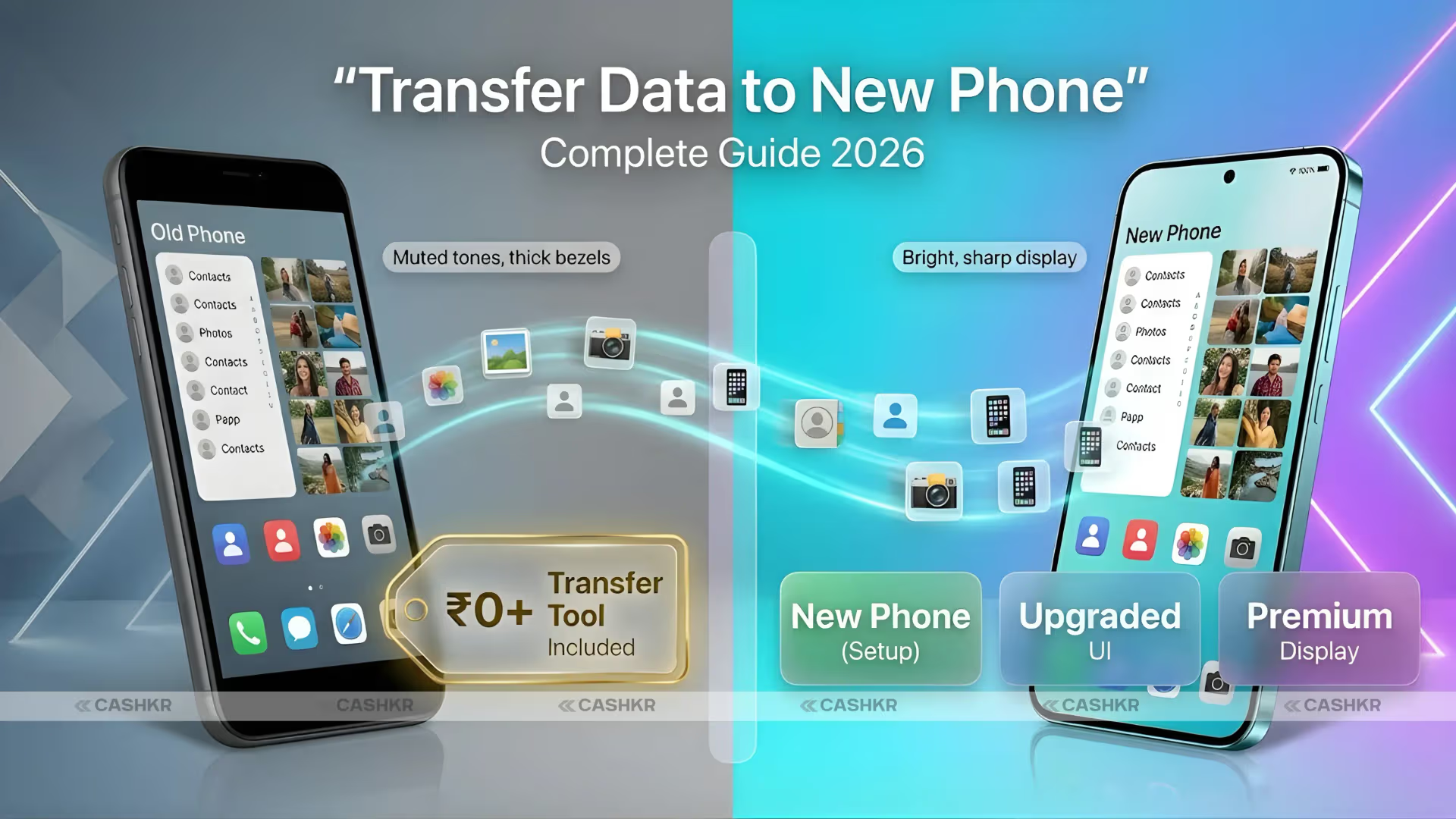

Switching phones or sharing vacation photos with friends shouldn’t feel like a tech headache. In 2026, mobile data transfer apps make it simple, fast, and wireless—often completing transfers in seconds instead of minutes. Whether you’re upgrading devices, sharing large videos offline, or moving contacts and apps, the right tool saves time and avoids frustration.
In this guide, you’ll learn exactly what these apps do, the top options available right now, their real-world pros and cons, and easy tips to get the fastest results. No complicated setups or risky shortcuts—just reliable, everyday solutions that work across Android and iOS.
What Are Mobile Data Transfer Apps?
Mobile data transfer apps let you move files, photos, videos, contacts, messages, and even apps between phones quickly and securely. Most use Wi-Fi Direct, local hotspots, or Bluetooth to create a direct connection—no mobile data or internet needed for the fastest speeds.
Unlike cloud storage (which can be slow and eat into your data plan), these apps focus on local, peer-to-peer transfers. Many also support cross-platform sharing between Android and iOS, making them ideal for mixed households or when helping family members switch devices. In 2026, they’ve become smarter, with better encryption and seamless integration into phone setups.
Key Features and Benefits of Top Mobile Data Transfer Apps
Here’s why these apps stand out in 2026:
- Blazing-fast speeds — Up to 40+ MB/s on local Wi-Fi—hundreds of times quicker than Bluetooth for large files.
- No internet required — Perfect for travel, events, or areas with poor signal.
- Cross-platform support — Works between Android phones, iPhones, tablets, and even PCs in many cases.
- Secure and private — End-to-end encryption and no unnecessary data collection on the best options.
- Easy for beginners — Simple interfaces with QR codes or one-tap connections.
- Versatile transfers — Handles photos, videos, contacts, documents, and sometimes full device migrations.
The result? Less waiting, fewer cables, and more peace of mind when moving your digital life.
Best Mobile Data Transfer Apps in 2026
Here are the standout choices based on speed, ease, reliability, and user feedback. All are available through official app stores and focus on safe, legal transfers.
1. Quick Share (Google’s Built-in Tool) Pre-installed on most Android phones (and expanding), Quick Share is like AirDrop for Android. It uses Wi-Fi Direct plus Bluetooth for nearby transfers and now offers improved compatibility with Apple devices on newer models like Pixel and Galaxy S26 series. Best for: Everyday local sharing and quick device-to-device moves. Real-life example: Share a 1GB video with a friend in under 30 seconds while sitting in the same room—no apps to download if you’re on Android.
2. LocalSend This free, open-source app works across Android, iOS, Windows, Mac, and Linux. It creates a private local network for transfers with end-to-end encryption—no cloud, no tracking, no ads. Best for: Privacy-conscious users and mixed-device households. It feels like a universal AirDrop alternative and shines when you need reliable offline sharing without any ecosystem lock-in.
3. Send Anywhere A cross-platform favorite that supports Android, iOS, and desktop. Use a 6-digit code or QR scan for secure transfers—even if devices aren’t nearby (it can use servers temporarily). No file size limits in the free version. Best for: Large files or when people aren’t in the same location.
4. Samsung Smart Switch Ideal for Samsung Galaxy users but also handles transfers from iOS and other Android phones. It moves everything from photos and contacts to app data during setup. Best for: Full phone migrations, especially to or from Samsung devices.
5. SHAREit A long-time favorite for super-fast local transfers via Wi-Fi hotspot. It supports Android and iOS and handles all file types with minimal setup. Best for: Group sharing or high-speed bulk transfers (note: it includes ads in the free version).
These apps cover most needs—from quick photo shares to complete phone switches—without complicated software.
Quick Comparison of the Top Apps
| App | Best For | Platforms | Transfer Speed | Needs Internet? | Cost | Key Strength |
|---|---|---|---|---|---|---|
| Quick Share | Local everyday sharing | Android (+iOS on newer models) | Very Fast | No | Free | Built-in & seamless |
| LocalSend | Privacy & cross-platform | Android, iOS, PC, Mac, Linux | Fast | No | Free (open-source) | No ads or tracking |
| Send Anywhere | Large files & remote | Android, iOS, desktop | Fast | Optional | Free | Secure codes & no limits |
| Samsung Smart Switch | Full device migration | Samsung + iOS/Android | Moderate to Fast | No | Free | Comprehensive data types |
| SHAREit | High-speed bulk sharing | Android, iOS | Very Fast | No | Free (with ads) | Group sharing capability |
Pros and Cons of Using Mobile Data Transfer Apps
Pros:
- Save hours compared to manual methods or cloud uploads.
- Keep full original quality—no compression.
- Work offline and respect your mobile data plan.
- Many are completely free for core features.
- Improve with each phone generation (faster chips and better Wi-Fi in 2026 models).
Cons:
- Range is usually limited to the same room or nearby (10–30 meters).
- Some free apps show ads (though core transfers stay fast).
- Full migrations may still need a quick backup first for safety.
- Older phones might have slightly slower speeds.
Overall, the benefits far outweigh the minor drawbacks for most people.
Practical Tips and Best Practices for Fast Transfers
- Prepare both devices — Keep them close, charged, and on the same Wi-Fi network for maximum speed.
- Use QR codes when available — They make connections instant and error-free.
- Transfer during initial setup — Many phones (including Samsung and Google Pixel) prompt you to use these tools right when setting up a new device.
- Prioritize important data — Start with photos and contacts; leave large videos for last if time is short.
- Check permissions — Grant storage and nearby devices access only when needed.
- Test with a small file first — Especially when trying a new app or sharing with someone for the first time.
- For iOS users — Combine AirDrop with Quick Share compatibility on supported Android phones for the smoothest experience in 2026.
Pro tip: If you transfer often between a phone and laptop, LocalSend or Quick Share’s desktop support can become your daily go-to.
FAQs About Mobile Data Transfer Apps in 2026
How fast can these apps actually transfer data? Most handle 20–40 MB/s on modern phones—meaning a 1GB video transfers in about 30 seconds. Speeds are fastest with local Wi-Fi Direct.
Do I need internet to use these apps? No for the top local options like Quick Share, LocalSend, and SHAREit. Send Anywhere works offline too but offers an internet option for non-nearby devices.
Can I transfer data from Android to iPhone (or vice versa)? Yes! LocalSend, Send Anywhere, and updated Quick Share (on newer Galaxy/Pixel models) make cross-platform sharing straightforward. Samsung Smart Switch also supports iOS imports.
Are these apps safe and private? The best ones (especially LocalSend and Quick Share) use strong encryption and don’t store your files on servers. Always download from official app stores.
What if I’m switching to a completely new phone brand? Start with the new phone’s built-in migration tool (like Smart Switch or Google’s setup wizard), then supplement with LocalSend or Send Anywhere for any leftover files.
Conclusion
In 2026, transferring data between mobile phones is faster and easier than ever thanks to smart, wireless apps like Quick Share, LocalSend, and Send Anywhere. Whether you need a quick photo share or a full device migration, these tools deliver speed, simplicity, and security without the hassle.
Ready to make your next transfer effortless? Explore these apps on your phone’s official app store or check your device settings for built-in options. Your photos, files, and contacts will thank you.